
VIDA's Home page is the first thing you see when logging in and is your overview of your VIDA environment and key assets. 
You can access the Home page any time you want simply by clicking the Home tab.
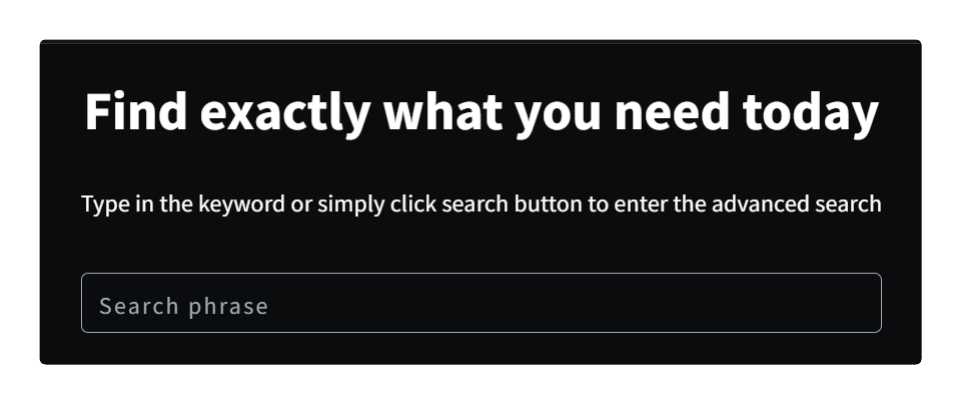
VIDA's search can be accessed via the search bar on the home page as well as the Assets tab. If you want to find out how to get the best of VIDA search experience, click here.
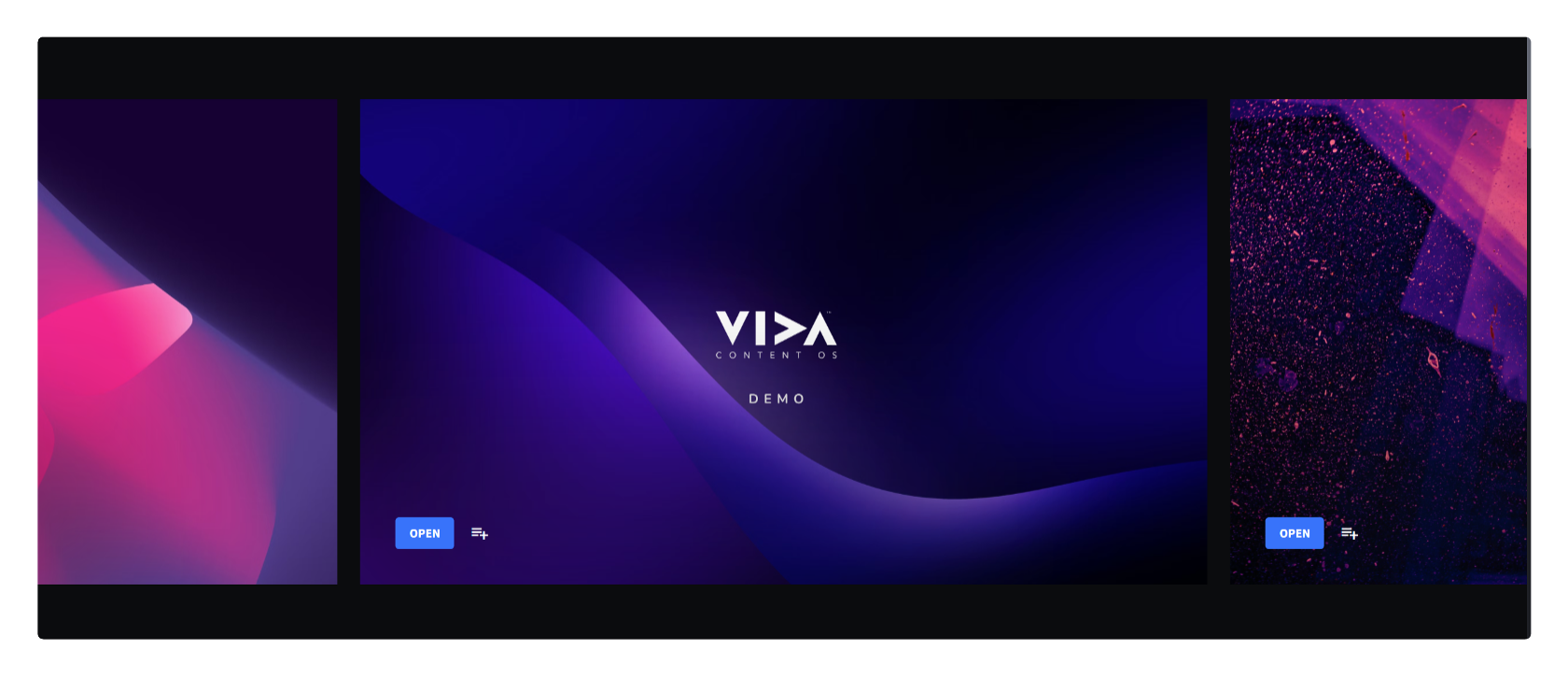
Below the search bar, you will have your organization's carousel where you can highlight key collections that you would like users to see upon login. This shared view can be maintained via the Dashboards tab.

The collections bar enables you to quickly scroll through your collections so you can jump directly to them. You can also access them all your collections via the Collections tab.
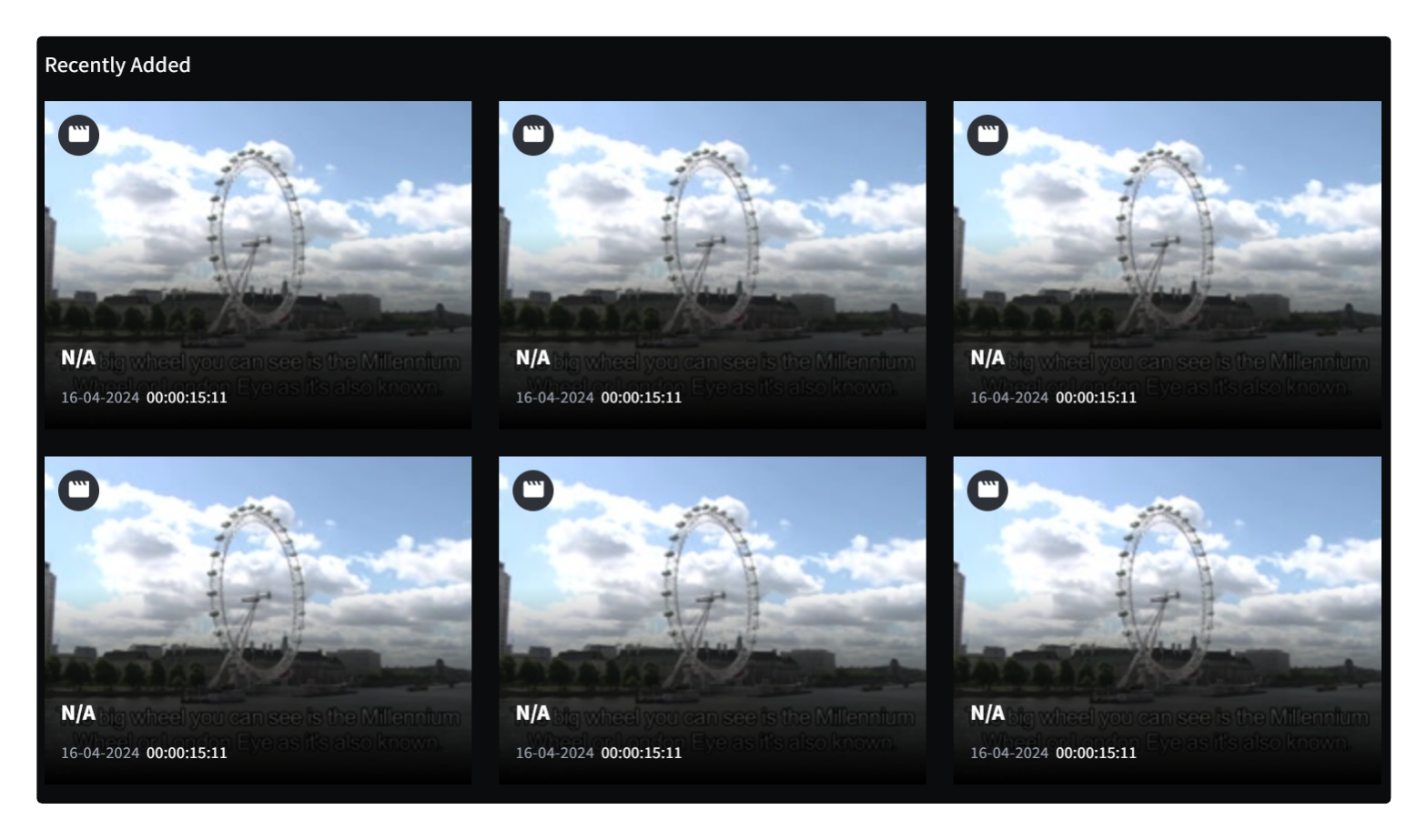
At the bottom of your home page, you will be able to view all the recently ingested assets for your organization. You can shower your cursor over the thumbnails to have an animated thumbnail.

Was this article helpful?
That’s Great!
Thank you for your feedback
Sorry! We couldn't be helpful
Thank you for your feedback
Feedback sent
We appreciate your effort and will try to fix the article